Lesson 5 of 9For Accounting
Cards & reconciliation
Match bank and card statements back to expenses.
app.reimba.com/app/cards
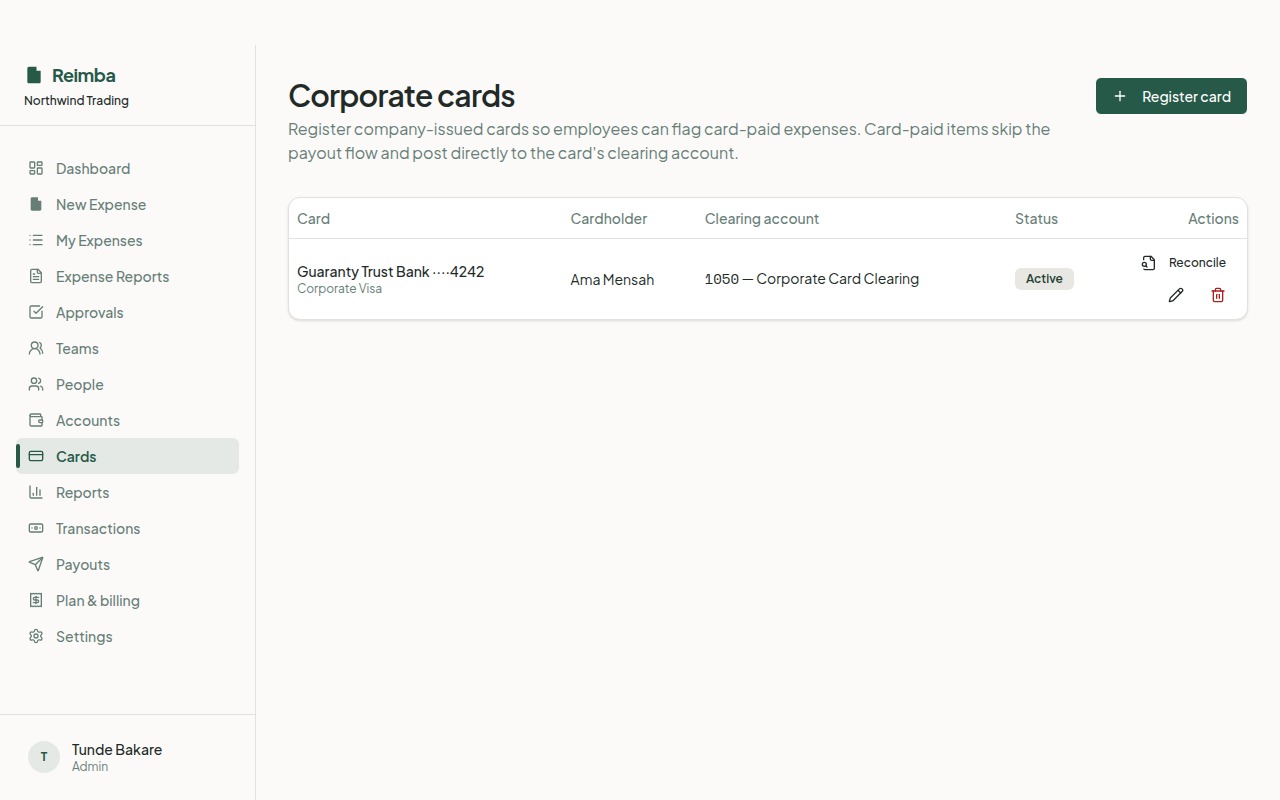
Corporate cards and bank statements close the loop. Import a statement (OFX or CSV) and Reimba matches each transaction back to the expense it belongs to, so you can spot what's unaccounted for and reconcile with confidence at month-end.
How it works
- 1Register your corporate cards in the cards registry.
- 2Import a bank or card statement file.
- 3Reimba auto-matches transactions to existing expenses; you confirm or resolve the exceptions.
- 4Anything unmatched is flagged so nothing is missed.
Worth knowing
- OFX and CSV statement import
- Automatic transaction matching
- Clear exceptions list for month-end